
Make a family Christmas video
Let snow drift around a favorite family photo while warm tree lights twinkle in the background.
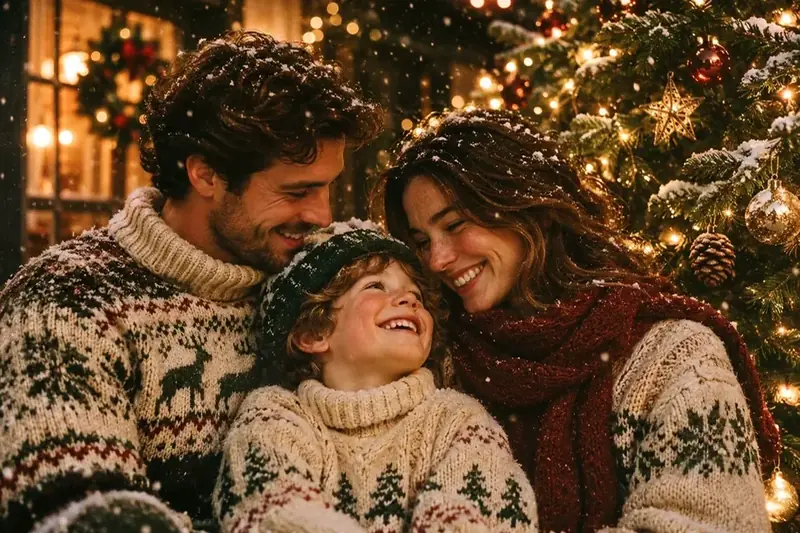
Family Snowfall Portrait
Sample artworkMerry Christmas 2026Add a photo or choose a sample to render an AI video.
How to get the cleanest family Christmas video
Group portraits animate best when faces are clearly lit and spaced evenly. The camera push stays subtle so everyone keeps their real likeness.
Photo tips for best results
- Use a front-facing group photo with 2 to 6 people where every face is at least 120 px wide and unobstructed.
- Pick 16:9 landscape for wide living-room portraits or 9:16 vertical for phone group selfies meant for Reels and family chats.
- Warm indoor lighting around a tree, fireplace, or porch blends naturally with the foreground snowfall pass.
Popular ways to share
- Digital Christmas card replacement sent to relatives on WhatsApp, iMessage, and email.
- Animated annual family update clip with native holiday audio for Instagram Reels or YouTube Shorts.
- Living-room TV loop for Christmas Eve dinner using the 1080p Full HD 16:9 output.
More Christmas video scenes


Family Snowfall Portrait FAQ
Does AI Christmas Video keep everyone’s real face in a group photo?
Yes. The Family Snowfall Portrait preset uses a slow camera push and subtle expression cues rather than aggressive face morphing, preserving every person’s likeness best on clear, front-lit portraits.
How many people work well in one family portrait?
Groups of 2 to 6 people produce the sharpest facial consistency. Very wide crowds with tiny distant faces may soften during motion synthesis.
Which aspect ratio should I pick for a family holiday greeting?
Choose 16:9 for traditional framed family photos and TV playback, or 9:16 for full-screen mobile sharing in family group chats.